Track invoices, expenses, tax and profit in one Excel dashboard built for freelancers.
Freelance Finance Hub : Invoice, Expense & Tax Tracker
Stop juggling spreadsheets, notes and banking apps. Freelance Finance Hub puts your whole freelance business in one Excel workbook. Type in your invoices, expenses and hours, and everything else updates on its own.
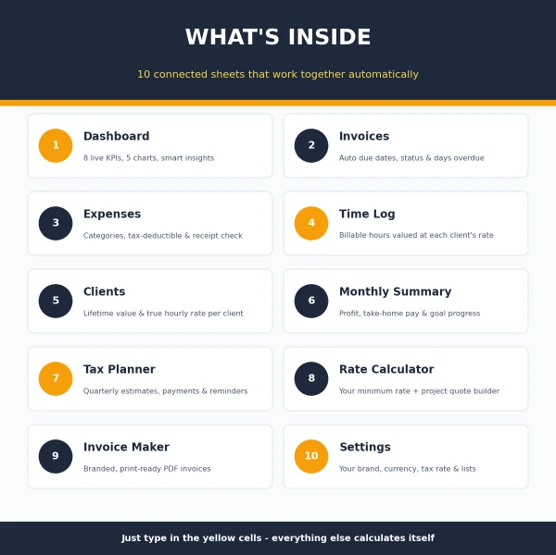
What's inside: 10 connected sheets
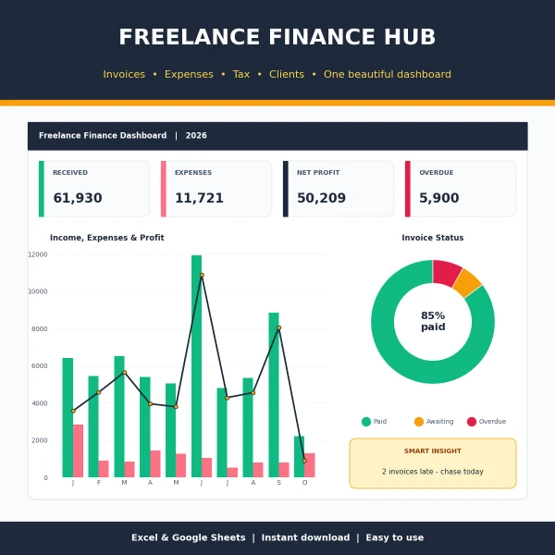
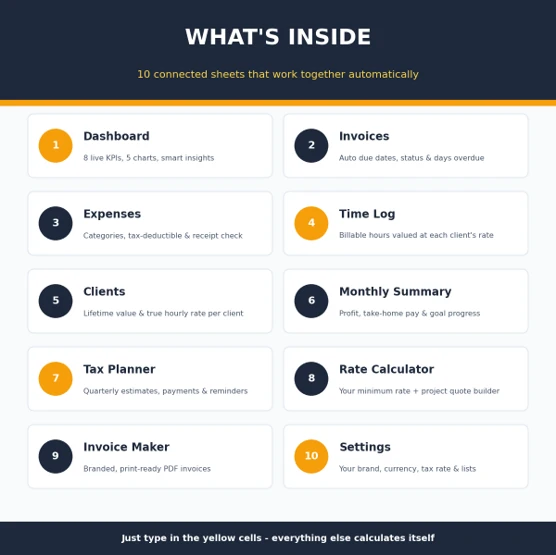
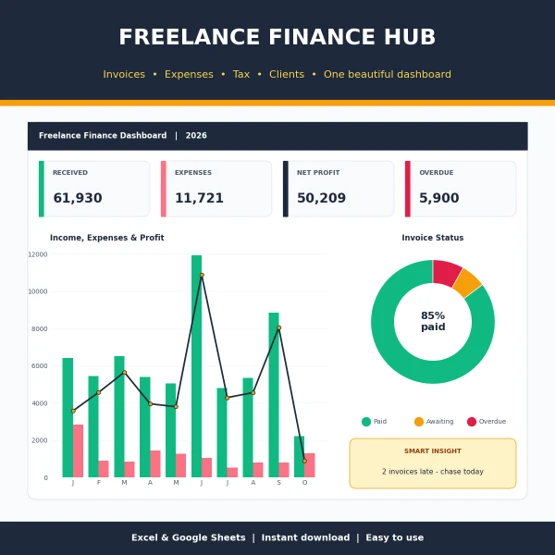
- Dashboard: 8 headline numbers, 5 charts, a list of unpaid invoices with the oldest due first, and automatic insights such as your best month, top client and full-year profit forecast.
- Invoices: due dates, Paid / Awaiting / Overdue status and days overdue fill in automatically.
- Expenses: sort costs into categories, mark which are tax-deductible, and see which ones are missing a receipt.
- Time Log: records billable and non-billable hours and values them at each client's rate.
- Clients: shows how much each client has paid, what they still owe, and what you really earn per hour from them.
- Monthly Summary: month-by-month profit, margin, tax to set aside, take-home pay and progress towards your income goal.
- Tax Planner: estimates your tax each quarter, tracks what you've paid, and shows what's still due.
- Rate Calculator: works out the lowest hourly rate you can charge to reach your income goal, and builds project quotes with a deposit.
- Invoice Maker: pick an invoice number and get a branded invoice ready to print or save as PDF.
- Settings: your business details, currency, tax rate, payment terms and the dropdown lists.
Why freelancers love it
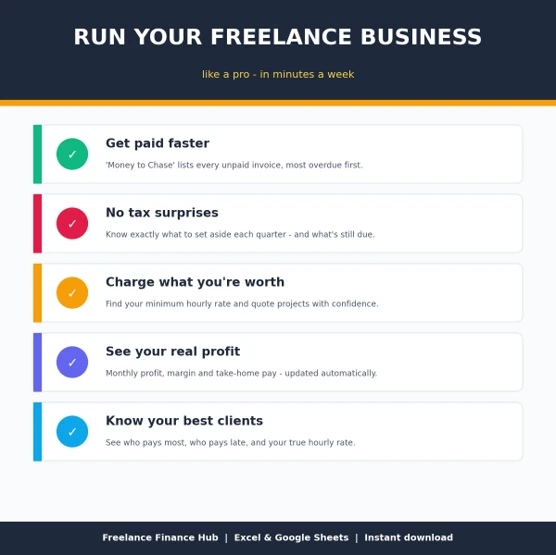
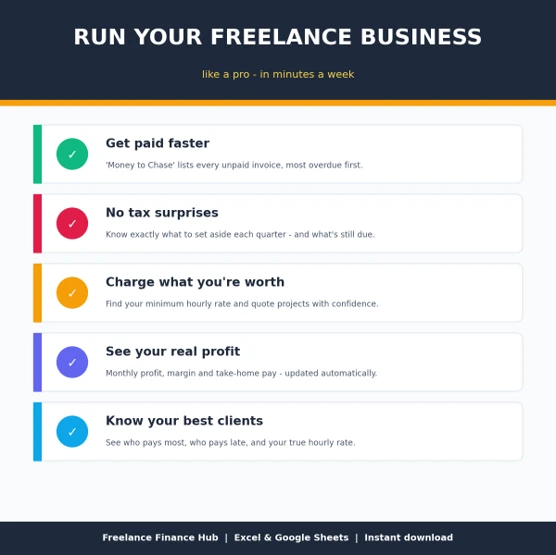
- Get paid faster. You can see straight away who owes you and who is late.
- No tax surprises. You always know how much to put aside.
- Charge what you're worth. It shows when your rates are too low.
- Know where you stand. Your real profit and take-home pay update every time you add an entry.
Easy to use Yellow cells are where you type and grey cells calculate themselves. Dropdowns keep your entries consistent. A step-by-step How to Use guide is included, along with sample data so you can see how everything works before adding your own.
You'll receive
- 1 Excel workbook (.xlsx) with 10 connected sheets
- A How to Use guide inside the file
- Sample data that you can delete when you're ready to start
Requirements: Microsoft Excel 2021, Microsoft 365 or Excel for the web.
Tax figures are planning estimates, not tax advice.
Customer reviews
Overall rating
0.0
Rating snapshot
There are no reviews yet. Be the first one to review this product